Preview

Homepage

1 / 3

Homepage

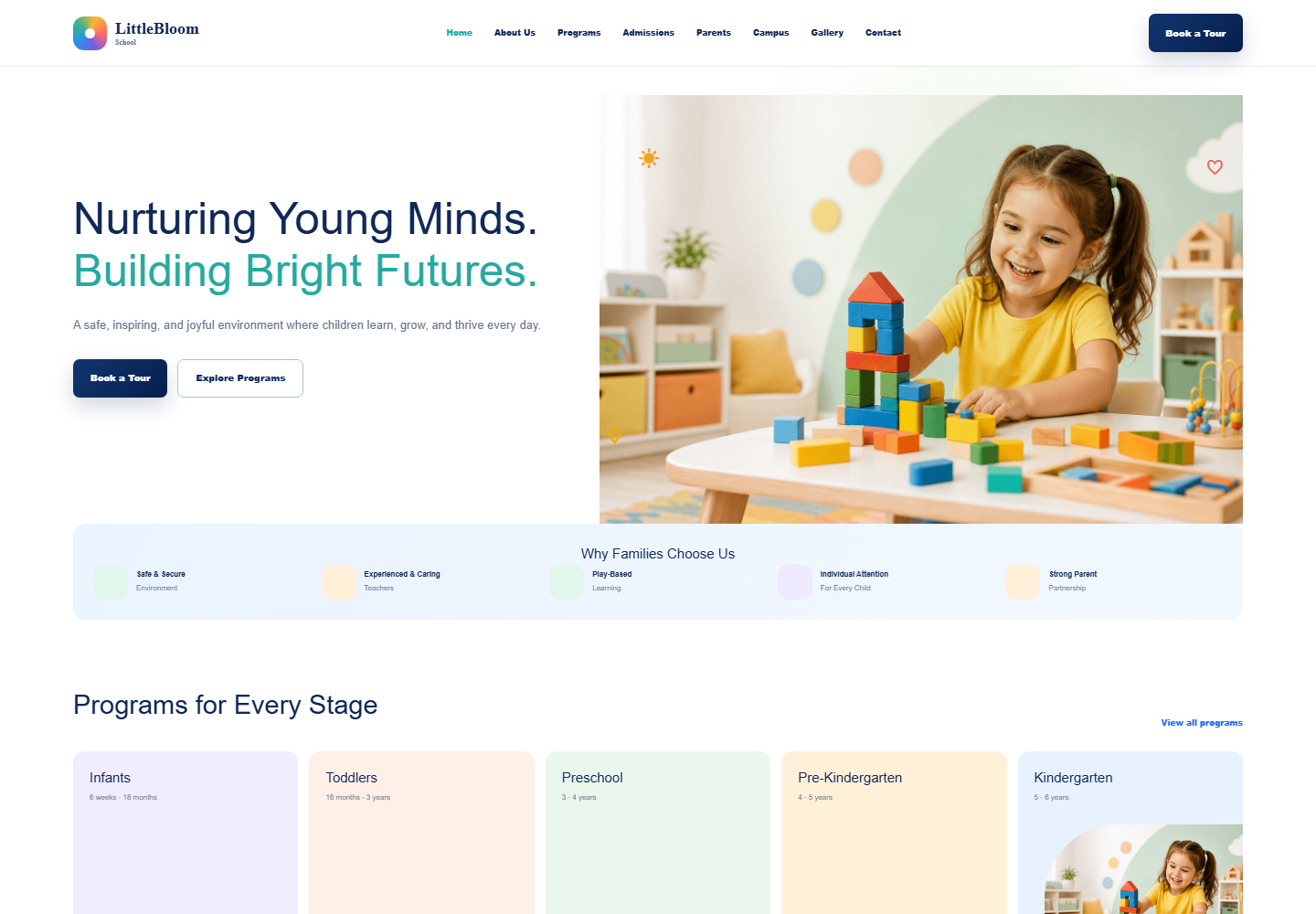
LittleBloom School

Education

LittleBloom School is designed for daycares, preschools, nurseries, kindergarten programs, and private early-learning centers.

Early-learning center website

Build parent trust from the first visit

A joyful school template with programs, admissions, tours, gallery, parent resources, contact forms, and trust-focused content.
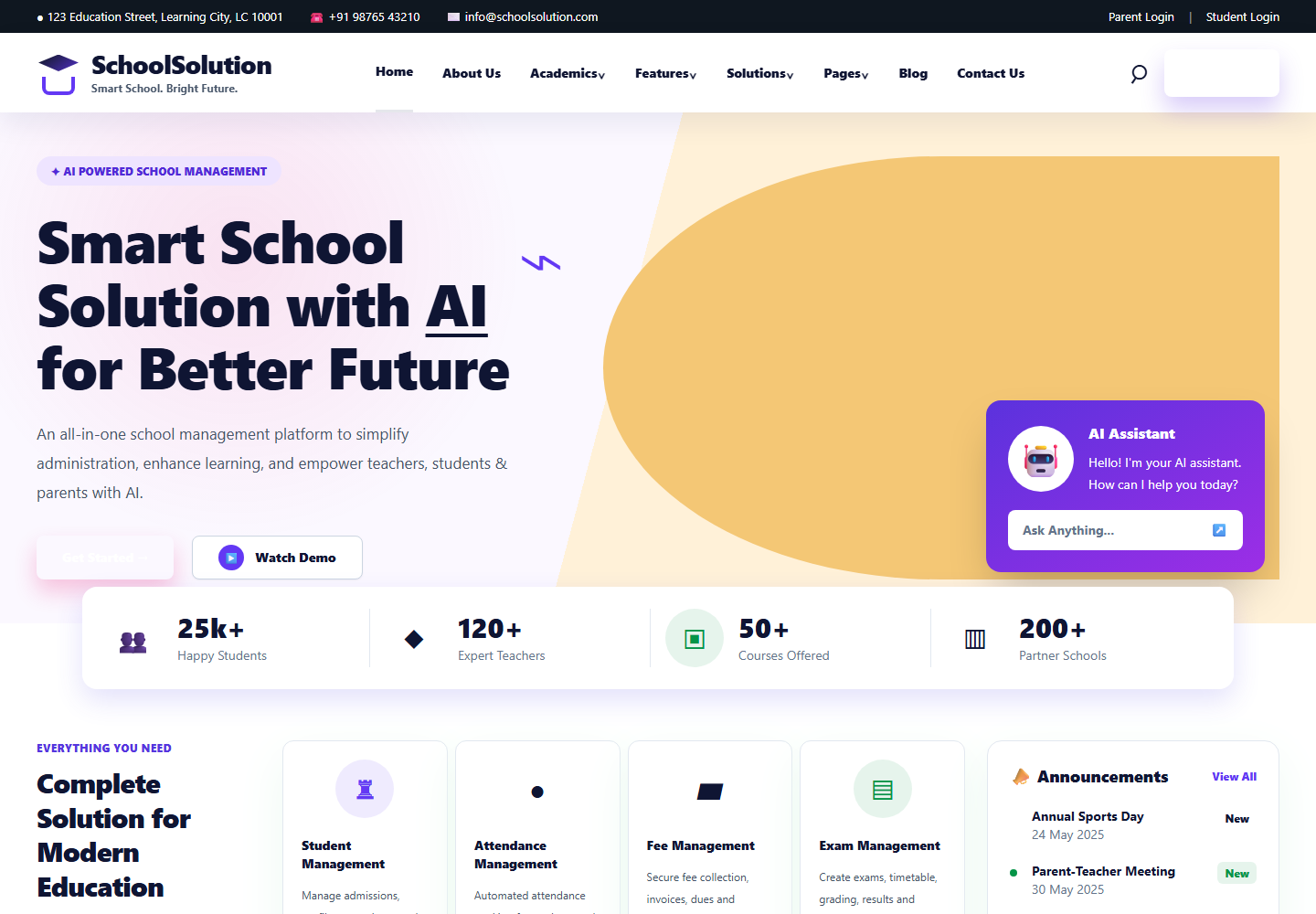
Template overview

Daycare and early-learning school HTML template

School landing page

Programs by age group

Admissions and tours

Gallery and resources

About and contact pages

8

Pages

3

Screenshots

HTML

Format

Source files

The download includes all LittleBloom HTML pages, shared CSS and JavaScript, local hero artwork, and the preview image.

Template details

Detailed template description

About LittleBloom School

LittleBloom School is a Daycare and early-learning school HTML template built for schools, online academies, course creators, coaching platforms, and learning management products. The template gives visitors a clear first impression, organizes the most important information, and creates a practical starting point for a polished website without forcing a team to design every page from scratch.

A daycare and preschool HTML template with programs, admissions, tours, gallery, resources, and parent enquiries.

A joyful school template with programs, admissions, tours, gallery, parent resources, contact forms, and trust-focused content.
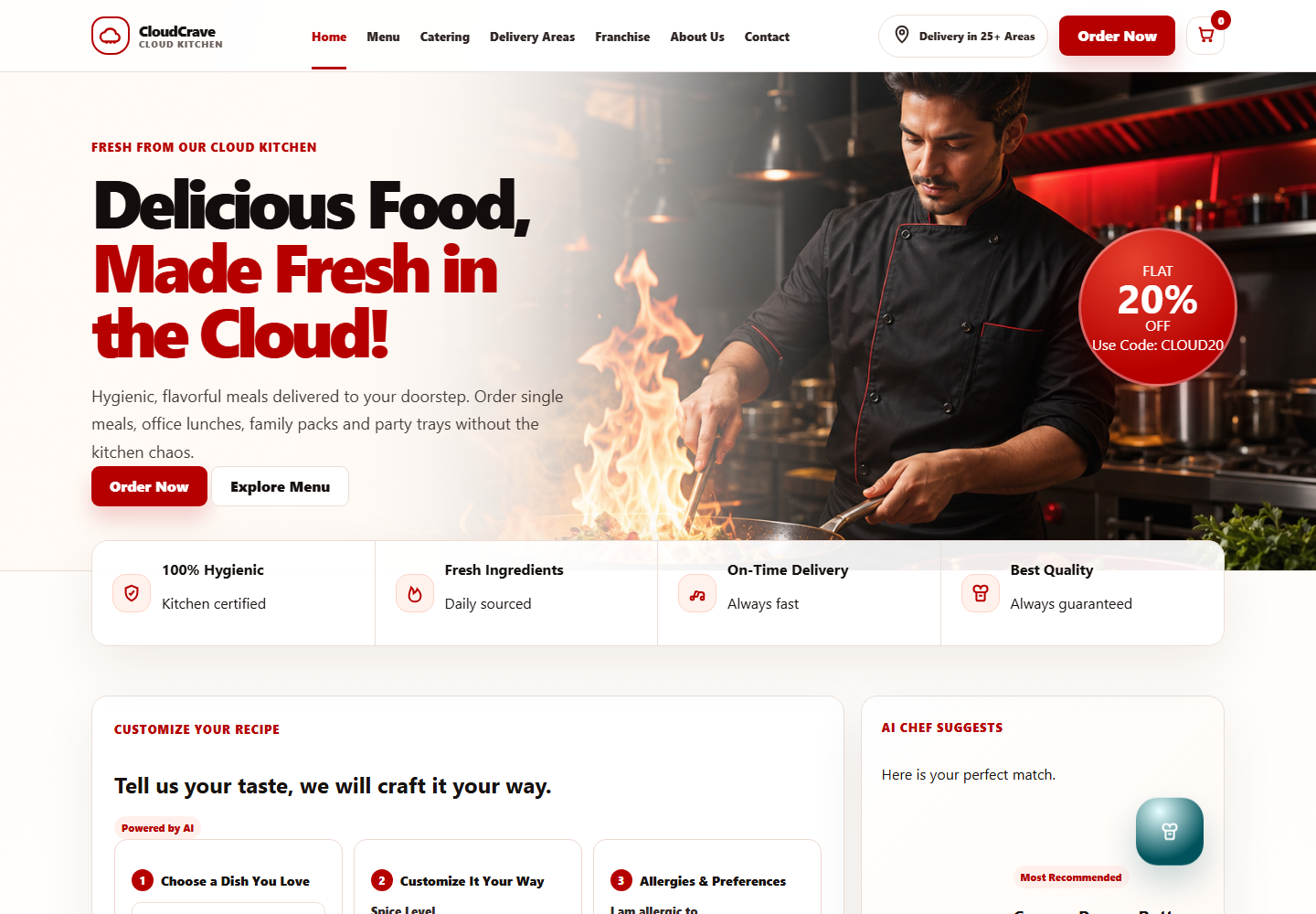
Best Fit

This Education template is useful when you need a fast, clean, and editable web presence for a real business idea. It is suited for teams that want a ready layout, but still need enough flexibility to adjust copy, colors, images, calls to action, and page order.

The primary goal of this category is to organize program, dashboard, resource, and enrollment-style page concepts for education websites. LittleBloom School gives that journey a structured front end, so visitors can understand the offer quickly and keep moving through the page instead of stopping at a thin description.

The design works well for prototypes, client demos, static website starters, portfolio pieces, internal experiments, and landing pages that need to explain an offer clearly. Developers can also use it as a front-end base before adding their own backend, CMS, payments, accounts, or application logic.

Early Learning Website Purpose

LittleBloom School is written for early education teams that need to communicate warmth, structure, safety, and trust in the first few moments of a website visit. Parents visiting a preschool or daycare website usually want to know whether the environment feels caring, whether the programs match their child age, and whether the school has a clear admissions process.

The template supports that journey with dedicated areas for programs, admissions, tours, parent resources, gallery content, school story, and contact enquiries. This makes the page useful for daycares, nursery schools, kindergarten programs, Montessori-inspired schools, playgroups, and private early-learning centers that want a friendly but professional online presence.

Parent Decision Journey

A strong early-learning website should help parents move from curiosity to confidence. LittleBloom School gives you front-end content areas where you can explain the daily routine, age-based learning groups, teacher approach, classroom environment, safety practices, meals, activities, outdoor play, communication style, and tour enquiry steps.

For Google and AI search, this is valuable because parents often search for specific questions such as preschool programs, daycare admissions, nursery tours, kindergarten readiness, early childhood curriculum, and parent resources. Rewriting these editable sections with your real local details can make the final website more specific and more helpful.

Program Content Opportunities

The programs page can be expanded with individual descriptions for toddlers, preschoolers, pre-kindergarten students, after-school care, summer camps, or enrichment activities. Each program can include age range, learning goals, daily rhythm, social-emotional development, creative activities, language development, and parent communication notes.

This gives the final website more unique indexable content than a short brochure page. Search engines can understand exactly which programs are offered, and AI answer engines can summarize the school more accurately when the content answers real parent questions.

Admissions And Tour Flow

The admissions and tour sections are important conversion areas for this template. They can explain how families enquire, how visits may be scheduled, what documents may be needed, when seats may be available, and what parents can expect after contacting the school.

Clear admissions copy can reduce back-and-forth communication and improve lead quality. It also adds natural long-tail search phrases around preschool admissions, daycare tour booking, school enquiry forms, enrollment steps, and early-learning center availability.

Trust, Safety, And School Personality

Parents need reassurance before contacting an early-learning center. LittleBloom School gives space for teacher introductions, classroom photos, safety commitments, parent testimonials, learning philosophy, and practical details such as opening hours, location, communication channels, and visit expectations.

When you customize the template, avoid generic promises and add concrete details: teacher qualifications, child-to-staff ratios, classroom routines, parent update methods, hygiene standards, outdoor play options, and school values. That turns the page from a simple template into a trustworthy local school website.

Pages And Sections

LittleBloom School includes 8 pages covering School landing page, Programs by age group, Admissions and tours, Gallery and resources, About and contact pages. This gives the template enough depth for a realistic website journey instead of a single thin landing page.

The template also includes 3 preview screenshots so visitors can inspect the visual direction before downloading.

The included sections are arranged to help users scan the offer, understand the value, compare important details, and move toward a front-end contact, signup, booking-style, purchase-style, download, or enquiry section depending on the project type.

Key Features

Important features in this template include Age-based programs, Admissions flow, Tour booking, Parent resources, Photo gallery, Responsive design. These features make the design easier to adapt for a focused product, service, organization, or campaign.

Each feature is written as editable front-end content, so you can replace demo text with your own service details, pricing notes, product benefits, testimonials, FAQs, operational workflows, and brand language.

School landing page Details

School landing page is part of the LittleBloom School experience and gives the template more topical depth for the Education audience. This area can be rewritten with original brand language, local service information, product-specific terms, customer objections, and proof points that match the final website.

For SEO, this section should answer a real searcher question instead of only repeating keywords. Add useful copy, descriptive headings, and internal links so Google and AI search systems can understand how school landing page supports the overall Daycare and early-learning school HTML template.

Programs by age group Details

Programs by age group is part of the LittleBloom School experience and gives the template more topical depth for the Education audience. This area can be rewritten with original brand language, local service information, product-specific terms, customer objections, and proof points that match the final website.

For SEO, this section should answer a real searcher question instead of only repeating keywords. Add useful copy, descriptive headings, and internal links so Google and AI search systems can understand how programs by age group supports the overall Daycare and early-learning school HTML template.

Admissions and tours Details

Admissions and tours is part of the LittleBloom School experience and gives the template more topical depth for the Education audience. This area can be rewritten with original brand language, local service information, product-specific terms, customer objections, and proof points that match the final website.

For SEO, this section should answer a real searcher question instead of only repeating keywords. Add useful copy, descriptive headings, and internal links so Google and AI search systems can understand how admissions and tours supports the overall Daycare and early-learning school HTML template.

Gallery and resources Details

Gallery and resources is part of the LittleBloom School experience and gives the template more topical depth for the Education audience. This area can be rewritten with original brand language, local service information, product-specific terms, customer objections, and proof points that match the final website.

For SEO, this section should answer a real searcher question instead of only repeating keywords. Add useful copy, descriptive headings, and internal links so Google and AI search systems can understand how gallery and resources supports the overall Daycare and early-learning school HTML template.

About and contact pages Details

About and contact pages is part of the LittleBloom School experience and gives the template more topical depth for the Education audience. This area can be rewritten with original brand language, local service information, product-specific terms, customer objections, and proof points that match the final website.

For SEO, this section should answer a real searcher question instead of only repeating keywords. Add useful copy, descriptive headings, and internal links so Google and AI search systems can understand how about and contact pages supports the overall Daycare and early-learning school HTML template.

Age-based programs Feature

Age-based programs gives LittleBloom School a more practical role than a simple visual mockup. It helps visitors understand the intended page concept and gives developers a clear front-end area that can be connected to forms, workflows, business logic, or content management later if needed.

When customizing this feature, replace the demo wording with specific benefits, examples, service details, process steps, or product outcomes. That creates unique page copy and can support clearer search relevance for more precise Education queries.

Admissions flow Feature

Admissions flow gives LittleBloom School a more practical role than a simple visual mockup. It helps visitors understand the intended page concept and gives developers a clear front-end area that can be connected to forms, workflows, business logic, or content management later if needed.

When customizing this feature, replace the demo wording with specific benefits, examples, service details, process steps, or product outcomes. That creates unique page copy and can support clearer search relevance for more precise Education queries.

Tour booking Feature

Tour booking gives LittleBloom School a more practical role than a simple visual mockup. It helps visitors understand the intended page concept and gives developers a clear front-end area that can be connected to forms, workflows, business logic, or content management later if needed.

When customizing this feature, replace the demo wording with specific benefits, examples, service details, process steps, or product outcomes. That creates unique page copy and can support clearer search relevance for more precise Education queries.

Parent resources Feature

Parent resources gives LittleBloom School a more practical role than a simple visual mockup. It helps visitors understand the intended page concept and gives developers a clear front-end area that can be connected to forms, workflows, business logic, or content management later if needed.

When customizing this feature, replace the demo wording with specific benefits, examples, service details, process steps, or product outcomes. That creates unique page copy and can support clearer search relevance for more precise Education queries.

Photo gallery Feature

Photo gallery gives LittleBloom School a more practical role than a simple visual mockup. It helps visitors understand the intended page concept and gives developers a clear front-end area that can be connected to forms, workflows, business logic, or content management later if needed.

When customizing this feature, replace the demo wording with specific benefits, examples, service details, process steps, or product outcomes. That creates unique page copy and can support clearer search relevance for more precise Education queries.

Responsive design Feature

Responsive design gives LittleBloom School a more practical role than a simple visual mockup. It helps visitors understand the intended page concept and gives developers a clear front-end area that can be connected to forms, workflows, business logic, or content management later if needed.

When customizing this feature, replace the demo wording with specific benefits, examples, service details, process steps, or product outcomes. That creates unique page copy and can support clearer search relevance for more precise Education queries.

Design Quality

LittleBloom School uses a modern responsive layout with clear spacing, readable typography, structured content blocks, and mobile-friendly behavior. The visual system is intended to feel professional while staying simple enough for fast editing.

The template avoids locking you into one narrow use case. You can keep the existing structure, remove sections you do not need, duplicate useful blocks, or rebuild the page flow around your own user journey.

SEO And AI Search Readiness

This page includes descriptive content around the template purpose, category, layout, features, included files, and recommended use cases. That helps traditional search engines and AI answer engines understand what LittleBloom School is and who it is for.

For best indexing results, customize the downloaded template with original business copy, specific service names, helpful headings, accurate image alt text, local contact details where relevant, and clear page titles. Unique content is more useful than repeated keywords and gives Google stronger context.

AI search systems also benefit from plain language descriptions, consistent terminology, and page sections that answer real user questions. The more specific the final content is to your product or business, the better it can be understood and summarized.

Customization Notes

The template is delivered in HTML, CSS, JavaScript, making it straightforward to edit with a normal code editor. You can change colors, typography, images, navigation labels, page links, button text, and section order without needing a large framework migration first.

If you want to turn this into a production website, replace placeholder copy with real brand messaging, compress final images, connect any forms or actions to your own backend, review accessibility labels, add analytics only where needed, and test every page on mobile and desktop before launch.

For stronger organic reach, rewrite every demo paragraph with specific language from your niche. Include service areas, product categories, customer types, common questions, trust signals, and clear comparison points where they naturally belong.

Included Files

The download package includes 8 HTML pages, Shared CSS and JavaScript, Local hero artwork, WebP preview image, Zip download. These files provide the source materials needed to preview, edit, and adapt the design for your own project.

Because the files are editable, LittleBloom School can be used as a design reference, a client presentation starter, a static HTML website, or the front-end foundation for a larger application.

Launch Guidance

Before publishing a website based on LittleBloom School, review each page for accuracy, update metadata, add real contact or business details, connect any form behavior you need, and verify that all buttons point to the right destinations.

The template was last updated in June 2026. Paid customization available if you need help converting the design into React, Angular, Vue.js, Next.js, or another production setup.

Features

Age-based programs
Admissions flow
Tour booking
Parent resources
Photo gallery
Responsive design

Package Includes

  • 8 HTML pages
  • Shared CSS and JavaScript
  • Local hero artwork
  • WebP preview image
  • Zip download
Free

Download the source package and adapt it for your project.

Download TemplateView in BrowserRequest Customization

Need another framework?

Framework conversion and custom development are available as paid services. Share your requirements for a quote.

React
Angular
Vue.js
Request a framework quote

Format

HTML, CSS, JavaScript

Updated

June 2026

Support

Paid customization available

Free personal and commercial use

Download is free

Support and custom changes are paid

More templates

Related templates

View All Templates